IPTV Canada on NVIDIA Shield: The Ultimate Streaming Experience in 2025
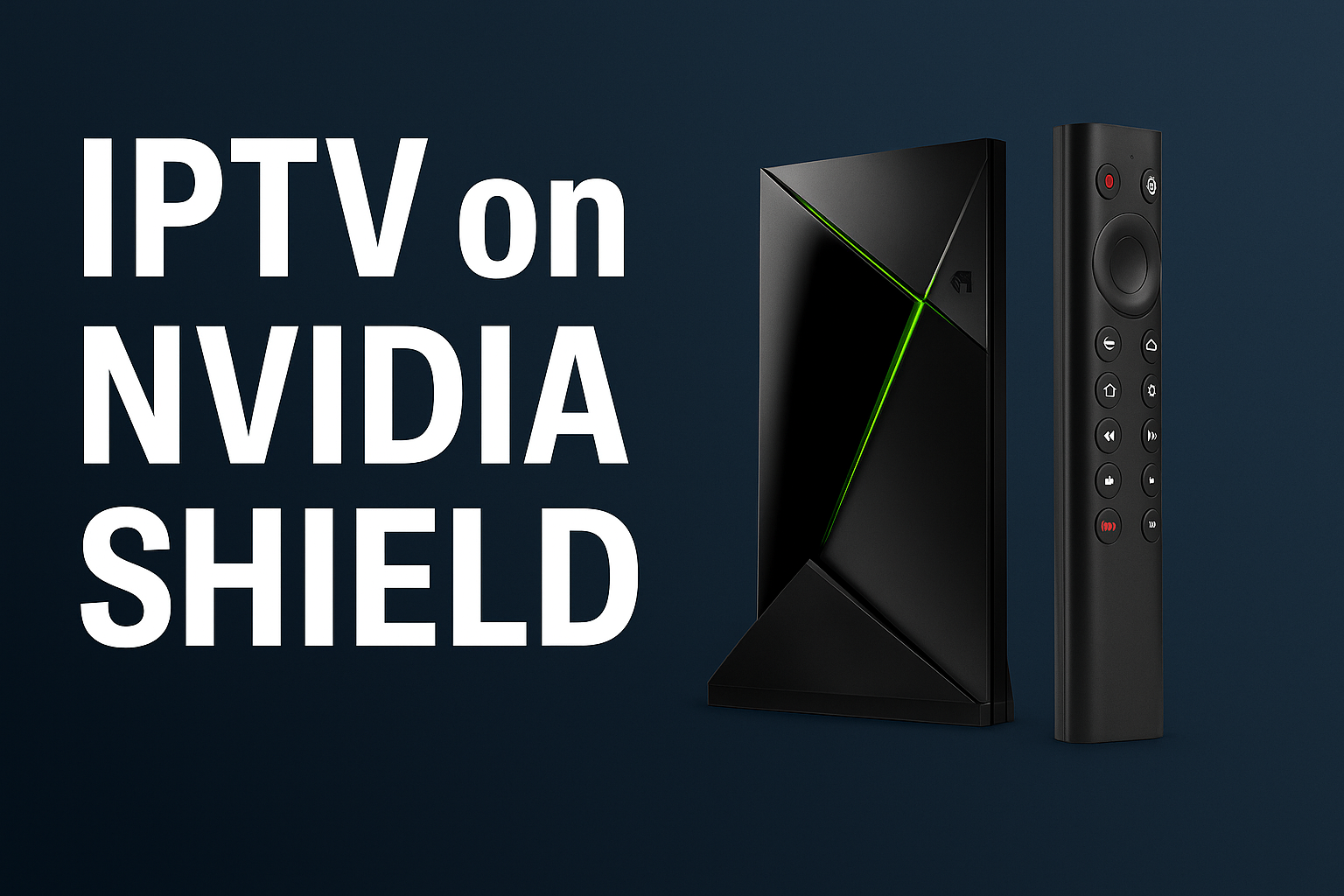
If you’re looking for a powerhouse IPTV streaming device, the NVIDIA Shield remains one of the top choices in Canada. With its advanced Android TV system, powerful hardware, and full app compatibility, it delivers smooth, buffer-free IPTV viewing. In this post, we explore how to use IPTV Canada on NVIDIA Shield, the best apps to install, and why it’s a top pick for IPTV enthusiasts.
Table of Contents
Why NVIDIA Shield Is Perfect for IPTV
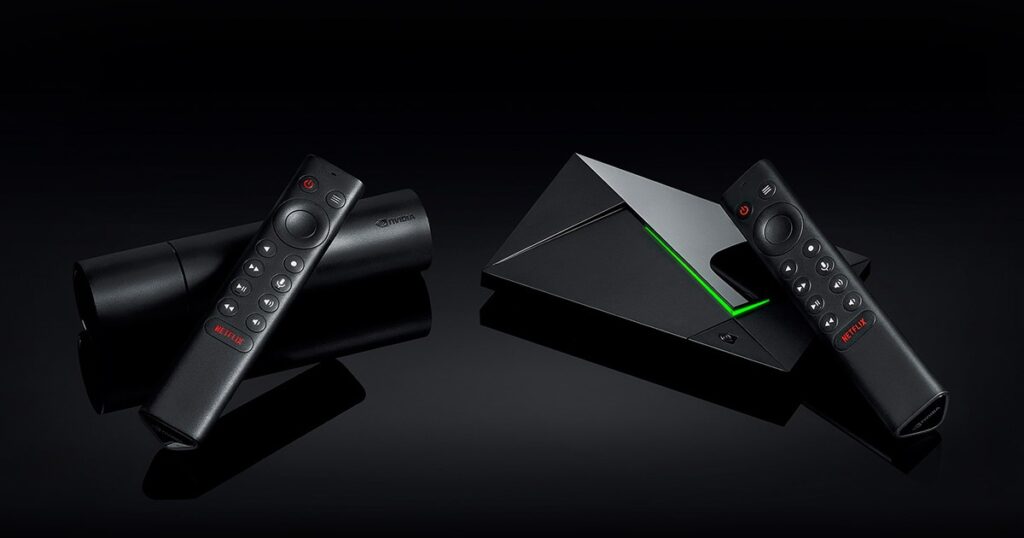
The NVIDIA Shield runs Android TV OS, making it compatible with nearly all IPTV players. Here’s why it stands out:
- ⚡ Fast performance (thanks to Tegra X1+ processor)
- 🧠 AI upscaling for better video quality
- 📱 Full access to Google Play Store
- 🎮 Doubles as a gaming console
It’s ideal for users who demand high-quality, customizable streaming.
Best IPTV Apps for NVIDIA Shield
Because Shield runs Android TV, you can easily install:
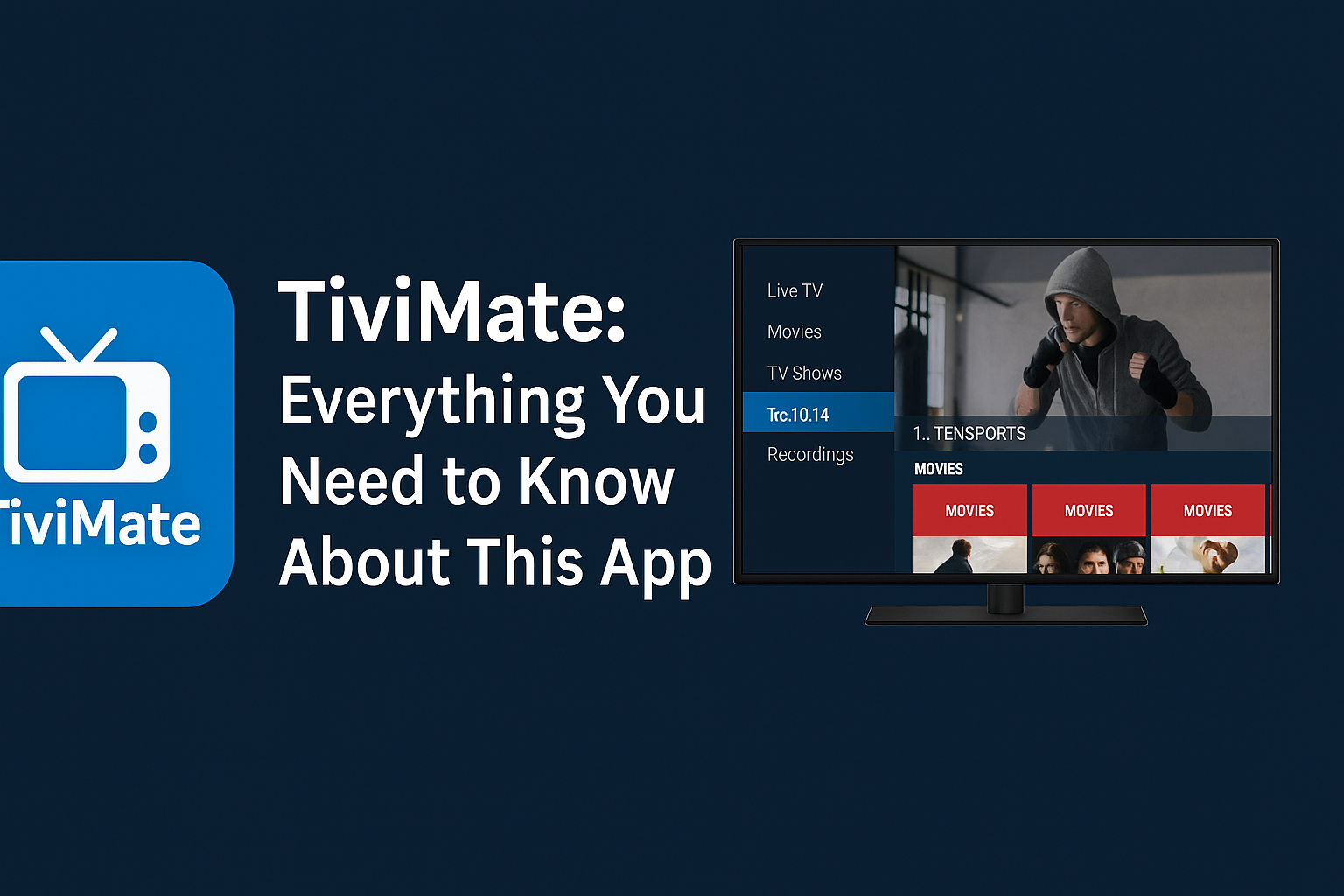
- TiviMate – Clean interface, EPG, multi-playlist support
- IPTV Smarters Pro – Xtream Codes, VOD, live TV
- XCIPTV – Built-in catch-up, PIN protection, VOD
- Perfect Player – Advanced users, playlist control
These apps are available on APK sites or directly from Google Play.
🔗 Visit iPTVSMARTERS Official Site 🔗 Visit Tivimate Official Site
How to Set Up IPTV on NVIDIA Shield
Step-by-Step Setup:
- Go to Google Play Store on your Shield
- Search for your preferred IPTV app (e.g., TiviMate)
- Install the app
- Open it and enter your M3U URL or Xtream login from your IPTV Canada provider
For apps not on the store, use a USB stick or download manager like Downloader to install APKs.
IPTV Features Enhanced by NVIDIA Shield
Here’s how NVIDIA Shield improves IPTV:
- 🖼️ AI upscaling turns HD into near-4K
- 📡 Stable Ethernet or dual-band Wi-Fi support
- 🖥️ Works great with 4K Smart TVs
- 📲 Remote or game controller navigation
- 🎧 Dolby Atmos and surround sound support
No buffering, no crashes — just seamless streaming.
Recommended IPTV Services for NVIDIA Shield
Pair your Shield with a strong IPTV Canada provider like:
Choose a provider that supports full EPG, VOD, and multiple connections.
Final Thoughts: NVIDIA Shield + IPTV = Perfect Match
If you’re serious about IPTV in 2025, NVIDIA Shield is one of the best streaming investments you can make. Combine its power with a reliable IPTV provider, and you get:
- 🏆 The ultimate IPTV viewing experience
- 🔧 Full app control and customization
- 🖥️ Superior video/audio quality
👉 Get started today with IPTVPrimeCanada.ca and unlock the full potential of your NVIDIA Shield!