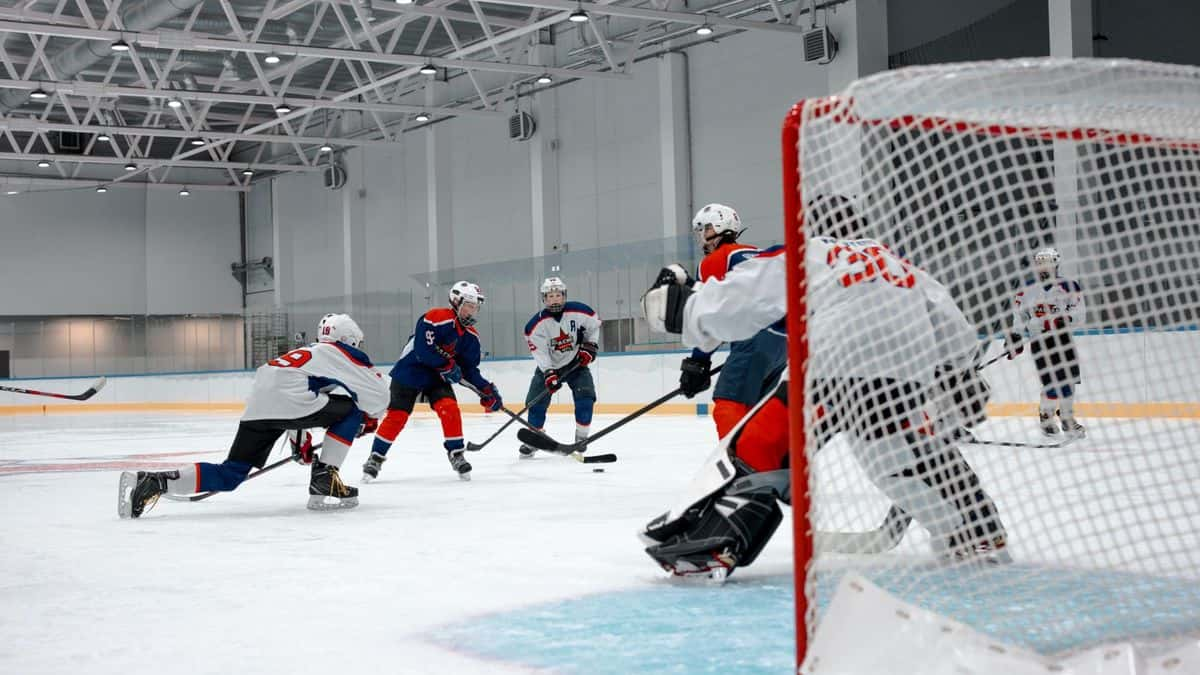
What IPTV hockey looks like on a game night
You turn on the TV, open the player app and go to the sports group in the channel list. The pre-game show is already running, the local news comes on after the final buzzer, and the TV guide tells you which channel carries the late game out west. That is the whole routine. There is no box to rent, no technician to book and no sports pack to add: the sports channels sit in the same lineup as the news, kids' and film channels, in English and in French.
The picture follows the broadcast. A game produced in 4K reaches a 4K TV in 4K; most games are produced in Full HD or HD and arrive that way. Our anti-freeze servers are built for the busy evenings when many people watch at once, which is exactly when a stream gets tested. And because IPTV hockey runs over your internet, the same login works at the cottage, in a hotel or at a friend's place, as long as there is a connection and only one stream plays at a time.
IPTV hockey across six time zones
Canada stretches over six time zones, and a game that starts at 7 p.m. ET in Toronto starts at 4 p.m. in Vancouver, when most people are still at work or picking up the kids. Going the other way, a game on the West Coast can end well past midnight in Halifax. This is how one 7 p.m. ET puck drop reads on the clock across the country:
| Time zone | For example | Puck drop on your clock |
|---|---|---|
| Newfoundland | St. John's | 8:30 p.m. |
| Atlantic | Halifax, Moncton, Charlottetown | 8 p.m. |
| Eastern | Toronto, Ottawa, Montréal | 7 p.m. |
| Central | Winnipeg | 6 p.m. |
| Mountain | Calgary, Edmonton | 5 p.m. |
| Pacific | Vancouver, Victoria | 4 p.m. |
Catch-up is how IPTV hockey closes that gap. On channels with catch-up you open the TV guide, step back to the game's listing and play it from the opening faceoff, an hour or a whole evening later. Put your phone face down, skip the score alerts and the game unfolds the way it did live. The guide also helps you plan a weekend: it lists what each channel shows hours ahead, so the afternoon game, the evening game and the late one out west are all in view before you sit down.
IPTV hockey on playoff nights: more than one screen
Every plan can be installed on all your devices, but it plays one stream at a time. For most of the season, IPTV hockey on one screen is enough. Then the playoffs arrive, two series run on the same night, and one person wants the game in the living room while someone else follows the other series on a tablet in the basement. Add the kids, who would rather watch cartoons upstairs, and one stream no longer covers the house.
A multi-screen plan gives two, three or four streams at once on one account, each on its own screen, from $5.06 per screen per month on the longest plan. You pay once for the whole term, like the single-screen plans, and nothing renews by itself.
Set-up tips for a smooth picture
Most game-night trouble starts ten minutes before puck drop, when an app needs an update or the remote has gone missing. Set things up the day before and the evening takes care of itself.
- Install the player app and log in a day early. Our Firestick set-up guide goes from unboxing to the first channel, and the installation tutorial covers every other device.
- Plug a network cable into the TV or box if the router is close; on Wi-Fi, use the 5 GHz network.
- Turn motion smoothing down or off and keep sharpness modest, so the puck doesn't leave a smeared trail across the ice.
- Add the sports channels you watch to your favourites, so game night is two clicks from the home screen.
- Restart the stick or box before a big game. It clears the memory and takes less than a minute.
If you want to see how IPTV hockey runs on your own TV before a longer plan, the one-month trial for $8.99 carries the same channels as every other plan. It is sold once per customer, and every plan comes with the 30-day money-back guarantee: a full refund, no reason needed.
One payment in CAD
Hockey is in every plan
Same channels in each plan. Pick the number of months, pay once and you're set for the season.
6 months
$10.83/ month
$64.99 paid once for 6 months
You keep $18.99 compared with the 3-month price
- Every channel, English and French
- Movies and series on demand
- TV guide & catch-up
- Help on WhatsApp
16 months
$7.50/ month
$119.99 paid once for 16 months
You keep $103.96 compared with the 3-month price
- Every channel, English and French
- Movies and series on demand
- TV guide & catch-up
- Help on WhatsApp
12 months
$8.33/ month
$99.99 paid once for 12 months
You keep $67.97 compared with the 3-month price
- Every channel, English and French
- Movies and series on demand
- TV guide & catch-up
- Help on WhatsApp
Every plan, plus the paid trial month for $8.99: IPTV Canada prices · More than one screen at a time: multi-screen plans